For KitchenAid customer service in the United States, call 1-800-422-1230 for major appliances or 1-800-541-6390 for countertop appliances, such as stand mixers and blenders.
If you live in the United States and need help with a KitchenAid appliance, the right phone number depends on the product you own. KitchenAid lists separate contact numbers for major appliances and countertop products. Choosing the correct department can save time when you need repair help, warranty information, replacement parts, or order support.
For refrigerators, dishwashers, ovens, ranges, and other major appliances, start with 1-800-422-1230. For stand mixers, blenders, food processors, and other countertop appliances, call 1-800-541-6390. These numbers are listed on KitchenAid’s official US service and support pages. Check the official website before calling in case contact details or service hours change.
The Kitchen Aid phone number most US customers need depends on the product and the reason for the call. KitchenAid’s official service and support page lists 1-800-422-1230 for major appliances and 1-800-541-6390 for countertop appliances. Use the number that matches your product to get started.
The brand name is commonly written as both KitchenAid and Kitchen Aid in online searches. Both spellings can lead people to the same support information, but the official brand name is KitchenAid. Always check that a contact page belongs to the official US website before sharing personal or payment details.
Source: Storables
Major appliances
Call 1-800-422-1230 for assistance with products such as refrigerators, dishwashers, wall ovens, ranges, cooktops, and other major household appliances.
Countertop appliances
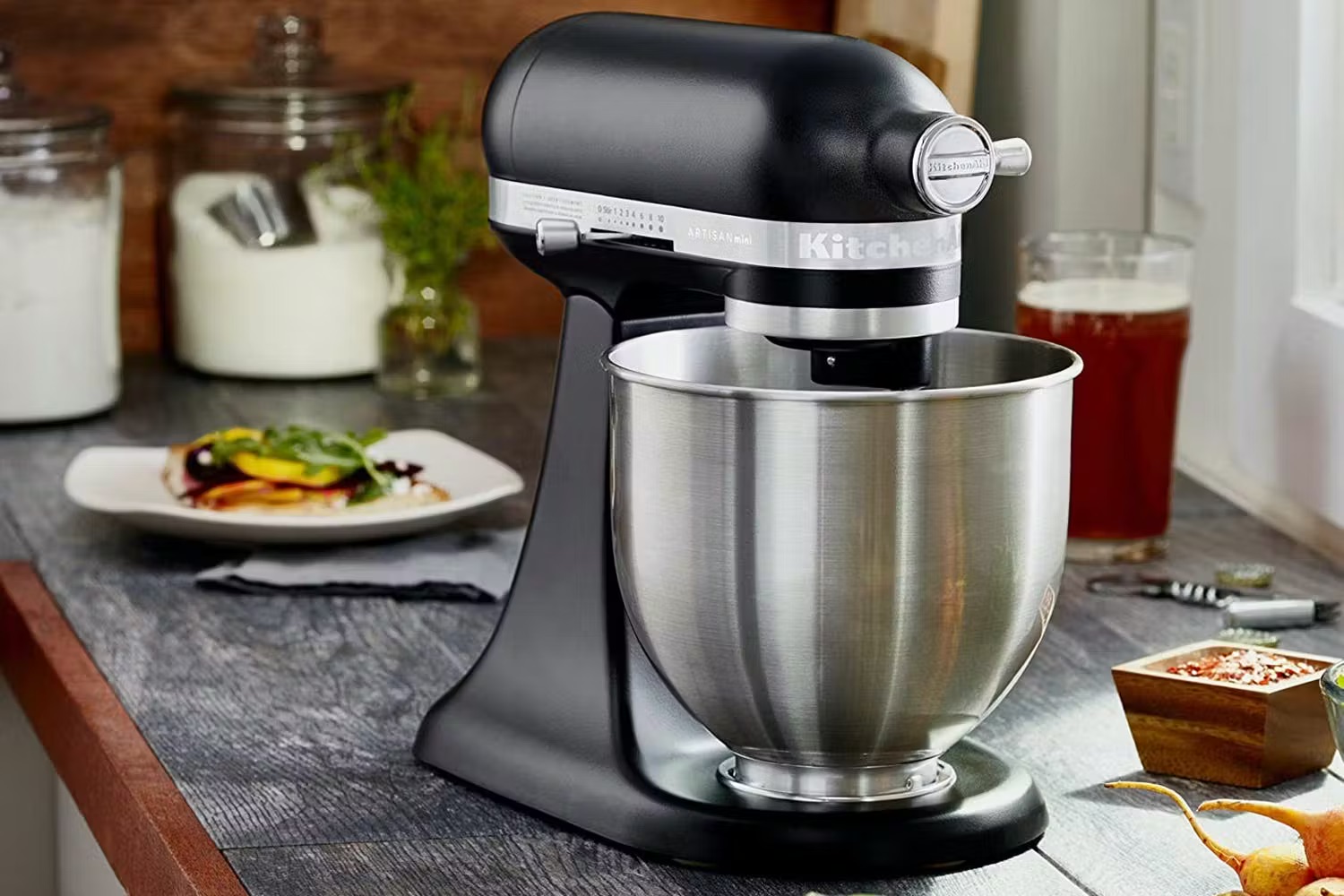
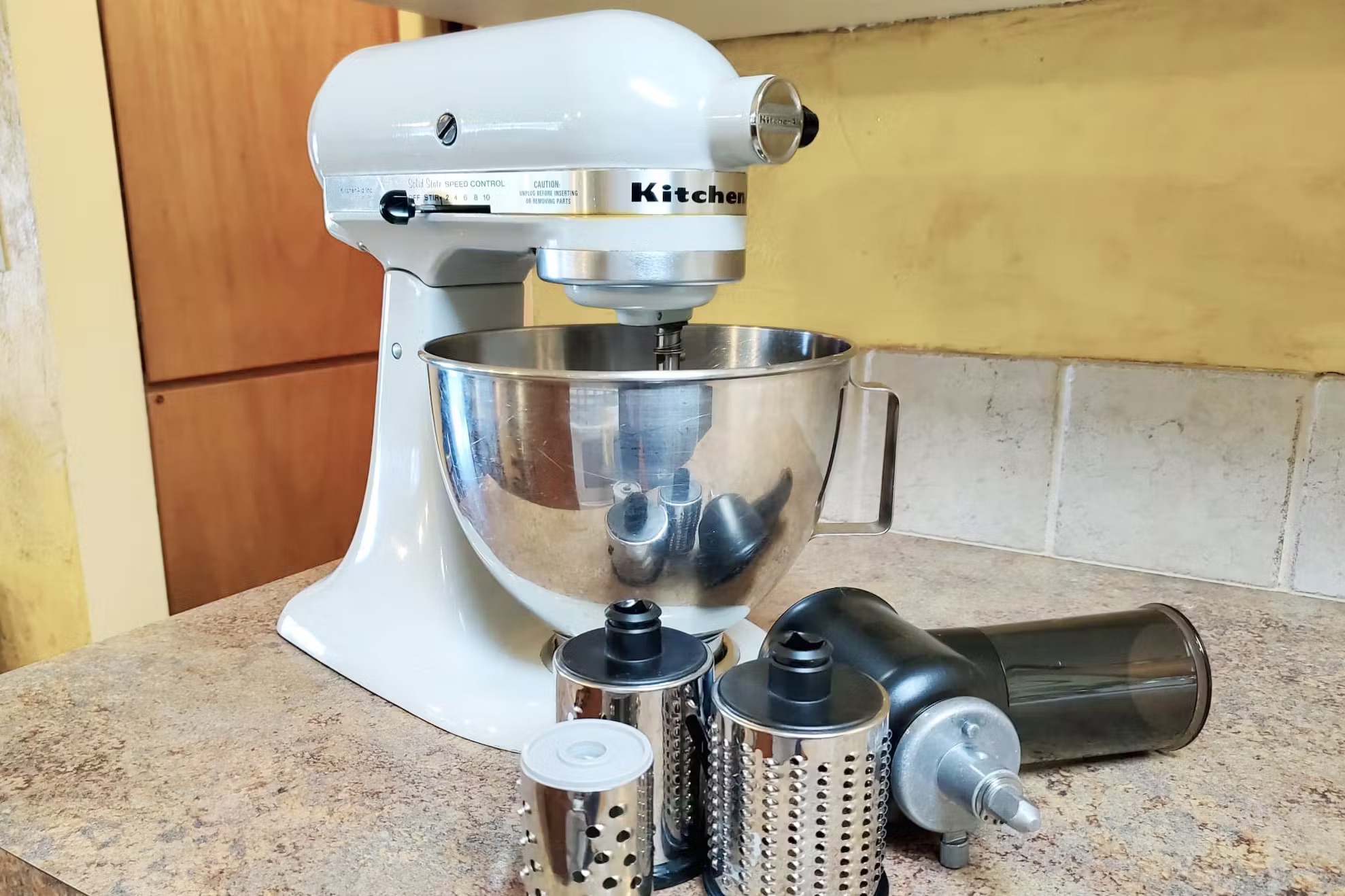
Call 1-800-541-6390 for stand mixers, hand mixers, blenders, food processors, and other small kitchen appliances.
Cookware and kitchen textiles
Use the licensed partner’s contact details for products such as cookware, cast iron, roasters, and kitchen textiles. These items may not be supported by the standard appliance team.
Which Number Should You Call?
Start by identifying the type of product you own. A broken refrigerator needs a different support path from a stand mixer that will not turn on. If you are unsure which department handles your product, visit the official KitchenAid service and support page and select the relevant product category.
KitchenAid’s published US support hours vary by department and day. The official service and support page lists different schedules for major appliances and countertop appliances. Check the current hours before calling, especially if you plan to contact support near closing time or on a holiday.
The published schedule uses Eastern Time. If you live in another US time zone, convert the listed hours to your local time before placing the call. Holiday closures and changes to operating hours may affect availability, so the website is the best place to confirm the latest schedule.
Source: Tripadvisor
Major appliance support
The published schedule lists Monday and Tuesday from 8:00 a.m. to 6:00 p.m. Eastern Time, Wednesday through Friday from 9:00 a.m. to 6:00 p.m., and Saturday from 8:00 a.m. to 4:30 p.m.
Countertop appliance support
The published schedule lists Monday and Tuesday from 8:00 a.m. to 6:00 p.m. Eastern Time and Wednesday through Friday from 9:00 a.m. to 6:00 p.m.
Confirm before calling
Review the official service and support page for current hours, closures, and available contact options.
What If You Cannot Reach a Representative?
If the phone line is closed or busy, try the official online support page. Depending on your product and request, you may be able to use live chat, find a product help article, review a manual, or submit a service request. Keep your model andserial numbers nearby so you can complete the steps without searching for them again.
Use online support
Visit https://www.kitchenaid.com/countertop-appliances/customer-care for countertop product support and available contact options.
Try again during published hours
Call during the relevant department’s listed operating hours.
Prepare your question
Write down the issue and any error message before starting a new call or chat.
How to Contact KitchenAid for Appliance Repairs
For a broken KitchenAid appliance, begin with the official support team or service scheduling page. A representative or online form can help identify the product, review the reported problem, and explain the available service options. The next step may depend on the appliance, its age, its warranty, and your location.
Before requesting a repair, check the troubleshooting information in your owner’s manual. A simple setup issue may not require a technician, but a mechanical or electrical fault can need professional attention. Do not open sealed components or attempt repairs that could expose you to electricity, heat, moving parts, or water.
Source: YouTube, FAQ Manuals
Step 1: Identify the appliance
Know whether you need support for a major appliance or a countertop product, then use the matching customer service number.
Step 2: Describe the fault
Explain what happens, when it started, and whether any display shows an error code. Include unusual sounds, leaks, or changes in performance.
Step 3: Ask about service
Confirm whether a service appointment is available, what the next steps are, and whether any diagnostic or repair charges may apply.
Step 4: Keep the service details
Save your case number, appointment information, and any written instructions the representative provides.
When Should You Stop Troubleshooting?
Stop using an appliance if you notice smoke, sparks, a burning smell, damaged wiring, or signs of overheating. If you can do so safely, disconnect power without touching damaged parts. For a gas appliance, leave the area and follow appropriate emergency guidance if you smell gas. Contact a qualified professional rather than trying to diagnose a hazardous fault yourself.
Water near electrical parts
Do not touch wet plugs, cords, or electrical components. Avoid using the appliance until it has been assessed safely.
Burning smells or smoke
Stop operation and seek qualified help. Call emergency services if there is a fire or immediate danger.
Repeated failure
If the same fault returns after basic manual-approved checks, contact KitchenAid or an authorized service provider.
What Information Do You Need Before Calling?
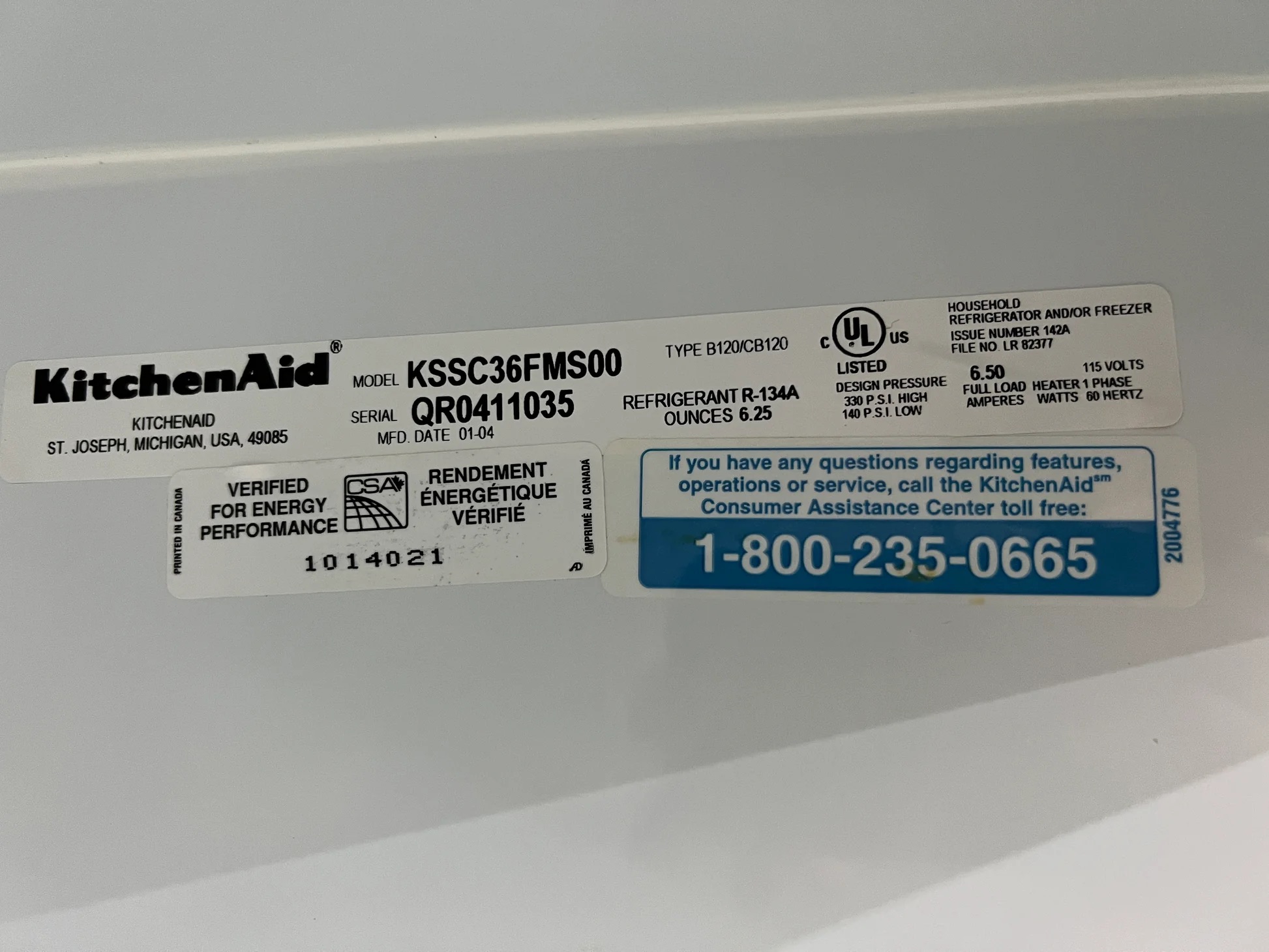
Having the right details ready can make a KitchenAid support call more useful. The model and serial numbers help identify the exact appliance, while the purchase date and receipt may help the representative review warranty coverage. Gather these details before dialing so you do not need to stop midway through the call.
The location of the identification label depends on the product. On a mixer, it may be found on the underside or another part of the appliance, depending on the model. A refrigerator, dishwasher, or oven has its own label location. Use the official model-number guide if you cannot find it.
Source: Storables
Model number
This identifies the product model and helps support staff find the correct manual, parts, and service information.
Serial number
This helps identify your particular unit. Read the label carefully and distinguish letters from numbers.
Purchase date and proof
Keep your receipt, order confirmation, or other available proof of purchase. Warranty requirements vary by product and claim.
Problem details
Describe the symptom, any displayed code, when the problem began, and what happened immediately before it appeared.
Contact and service details
Have your preferred callback number, service address, and any earlier case number ready if relevant.
How to Find a KitchenAid Model or Serial Number
Start with the product’s identification label rather than guessing from its shape or color. Check the owner’s manual for the exact location. If the label is difficult to reach, do not move a heavy appliance alone or remove panels simply to locate it. The official model-number guide can help you identify the correct label location.
Find the official guide
Visit https://www.kitchenaid.com/owners.html and choose your appliance category.
Take a clear photo
If you can safely reach the label, photograph it so you can read the numbers during your call.
Check the manual
Use the product manual if you need help distinguishing the model number from the serial number.
KitchenAid Warranty and Replacement Parts Support
If your KitchenAid product stops working, check the warranty terms for your exact model before paying for a repair. Coverage can vary by product and the reason for the failure. A warranty does not automatically cover every fault, accidental damage, or repair performed outside the terms, so ask the support representative to confirm the applicable conditions.
KitchenAid customer service can direct you to relevant product information and parts resources. Before ordering a replacement part, confirm that it matches your complete model number. Two appliances that look alike may use different parts, and an incorrect item can delay the repair or fail to fit.
Source: YouTube, W Service KitchenAid
Warranty claims
Ask whether your product is covered, what proof is required, and whether an authorized service provider must perform the repair.
Replacement parts
Use the official parts resources or a recognized supplier, and verify compatibility with your complete model number.
Repair costs
Ask about inspection fees, labor, travel charges, parts costs, and any charges that may apply if the issue is not covered.
Does a Warranty Cover Every Repair?
No. Coverage depends on the written warranty, the product, the failure, and any exclusions that apply. A fault caused by normal use may be treated differently from accidental damage or an issue caused by improper installation. Ask KitchenAid to explain the terms for your specific unit rather than relying on a general warranty statement.
Check the warranty document
Review the coverage period, exclusions, service requirements, and proof-of-purchase rules.
Ask before approving paid work
Request a clear explanation of the estimated charges and what the service includes.
Keep records
Save receipts, claim details, and written repair estimates in case you need to follow up.
Contact KitchenAid About Orders and Returns
If you purchased a product through KitchenAid.com, use the order information from your confirmation email when asking about delivery, cancellation, or a return. The appropriate process depends on the item and the purchase channel. A product bought from a retailer may need to be handled through that retailer’s own return policy.
KitchenAid’s official return policy lists separate support routes for major appliances, countertop appliances, parts, and certain licensed products. Check the policy before sending anything back. Do not assume that every product has the same return window, shipping rules, or eligibility requirements.
Source: Boundary Outlet
Have your order number
Use the order number from your confirmation email or account to help identify the purchase.
Check return eligibility
Review the current return policy for the product category, purchase date, and condition of the item.
Confirm the return method
Ask whether the return must be started online or by phone and whether you need a return authorization.
Where Can You Check KitchenAid Order Information?
Start with your KitchenAid account and order confirmation. If you cannot find the purchase, use the official contact page and select the relevant product category. Keep any delivery messages and payment records available, but do not send full payment card details through an unverified website or unsolicited message.
How to Avoid Fake KitchenAid Customer Service Numbers
Use contact details from KitchenAid’s official website or the documentation supplied with your product. Search results, online directories, advertisements, and discussion posts may contain outdated numbers or contacts for independent repair companies. A number appearing beside the brand name is not, by itself, proof that it belongs to KitchenAid.
Be cautious if someone demands an unusual upfront payment, asks for your password, or pressures you to share a verification code. Do not grant remote access to your computer just because a caller claims to represent appliance support. If a contact seems suspicious, end the conversation and find the official number yourself.
Source: Tamara Rubin
Verify the website address
Start at https://www.kitchenaid.com and navigate to service and support from there.
Do not share account passwords
A customer service call should not require you to reveal your email password or other private account credentials.
Confirm payment requests
Ask for an itemized estimate and verify that the company is an authorized provider before approving service.
Protect personal information
Share only the details needed for your support request, and avoid posting serial numbers, receipts, or home addresses publicly.
Is an Independent Repair Company the Same as KitchenAid?
No. An independent repair business may work on KitchenAid appliances without being the manufacturer’s customer service department. Some providers may be authorized for specific work, while others are not. Check the provider’s status and ask how the repair could affect warranty coverage before agreeing to service.
Ask who will perform the repair
Get the business name and confirm whether the provider is authorized for your appliance and location.
Request written terms
Review labor charges, parts, warranty on the repair, and cancellation terms before approving the work.
Other KitchenAid Support Options
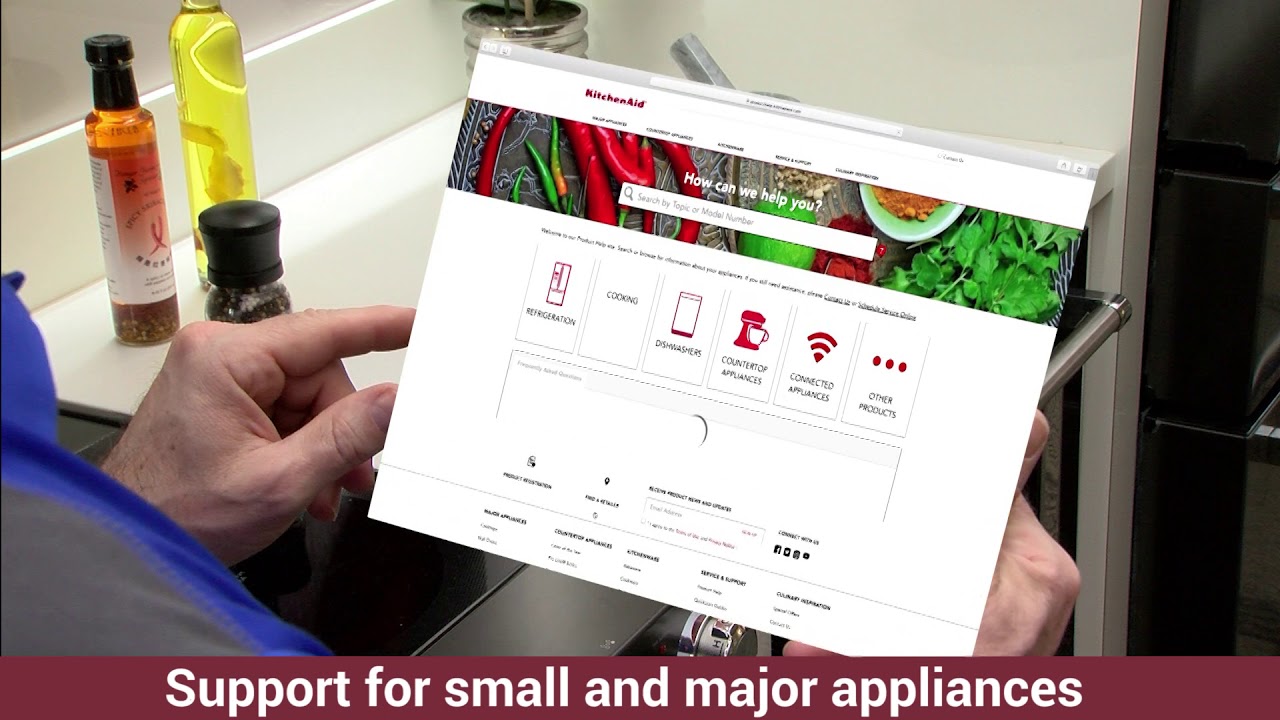
Calling is not the only way to get help. KitchenAid provides online resources for product manuals, troubleshooting, model-number locations, parts, and service requests. These options can be useful when you need instructions, want to check an error code, or prefer to gather details before speaking with a representative.
Choose the route that matches your problem. A question about how to use an appliance may be answered in the product help section, while a failed component or warranty claim may need direct support. For repairs, use the official service scheduling route and confirm any charges before booking.
Source: Tripadvisor
Service and support
https://www.kitchenaid.com/service-and-support.html provides the main starting point for US support.
Owner’s Center
https://www.kitchenaid.com/owners.html helps owners find product information and model-number guidance.
Product help
https://producthelp.kitchenaid.com/ contains product guidance and troubleshooting resources.
Online service
Use the official support site to check service request options for your product and location.
Which Support Method Is Best for Your Problem?
Use the phone if you need to explain a complex fault, ask about warranty coverage, or discuss repair costs with a representative. Use online product help for routine questions that may have a documented answer. If your appliance presents an immediate safety concern, stop using it and seek appropriate qualified help rather than relying on a chat response.
Usage question
Check the owner’s manual and product help pages first.
Repair or warranty question
Call the relevant customer service department or use the official service request option.
Order or return question
Start with your order details and the current official return policy.
Frequently Asked Questions
Q
What is the main Kitchen Aid phone number in the USA?
For major KitchenAid appliances, call 1-800-422-1230. For countertop appliances, including stand mixers and blenders, call 1-800-541-6390. These numbers appear on the official US KitchenAid service and support page. Confirm the latest contact details and hours before calling.
Q
What number should I call for a KitchenAid stand mixer?
Call 1-800-541-6390 for countertop appliance support. Have the mixer’s model number, serial number, purchase date, and a description of the problem ready. If you need a replacement part, confirm compatibility with your exact model before ordering.
Q
Can I call KitchenAid to schedule a repair?
Yes. You can start with the relevant official customer service number or use KitchenAid’s online service options. The available process depends on the product and location. Ask about appointment availability, diagnostic fees, labor charges, and warranty coverage before approving paid work.
Q
Does KitchenAid offer live chat?
KitchenAid provides online contact options, including live chat for supported products and requests. Availability can vary, so visit the official service and support page to see which options are currently offered. Keep your product details ready when starting a chat.
Q
What information do I need before calling KitchenAid?
Have your complete model number, serial number, purchase date, and proof of purchase ready. Write down the symptoms, error codes, and steps you have already tried. For an order question, also keep your order number and confirmation email nearby.
Q
Is KitchenAid customer service free?
Calling a listed customer service number does not necessarily mean every repair or service is free. Repair labor, replacement parts, inspection visits, and other services may involve charges unless covered by applicable terms. Ask for the cost and warranty details before approving a repair.
Q
How do I contact KitchenAid about cookware?
KitchenAid-branded cookware is handled through a licensed partner rather than the standard appliance support team. KitchenAid’s US support page lists Meyer Corporation for cookware and related products at 1-800-857-6320. Confirm the correct contact details on the official KitchenAid website before calling.
✦ Wrapping Up
Conclusion
Finding the right Kitchen Aid phone number is the first step toward resolving an appliance problem. In the United States, call 1-800-422-1230 for major appliances or 1-800-541-6390 for countertop appliances such as stand mixers and blenders. The correct department can guide you toward troubleshooting, repair options, warranty information, and replacement parts.
Before calling, gather your model and serial numbers, purchase details, and a clear description of the issue. Use the official KitchenAid website to confirm contact information and current support hours. If the appliance shows signs of electrical or other serious hazards, stop using it and seek qualified help.
💡 Key Takeaway
Visit https://www.kitchenaid.com/service-and-support.html, select your product category, confirm the current contact details, and call the appropriate department with your appliance information ready.